
Get A Quote
Call Us Now


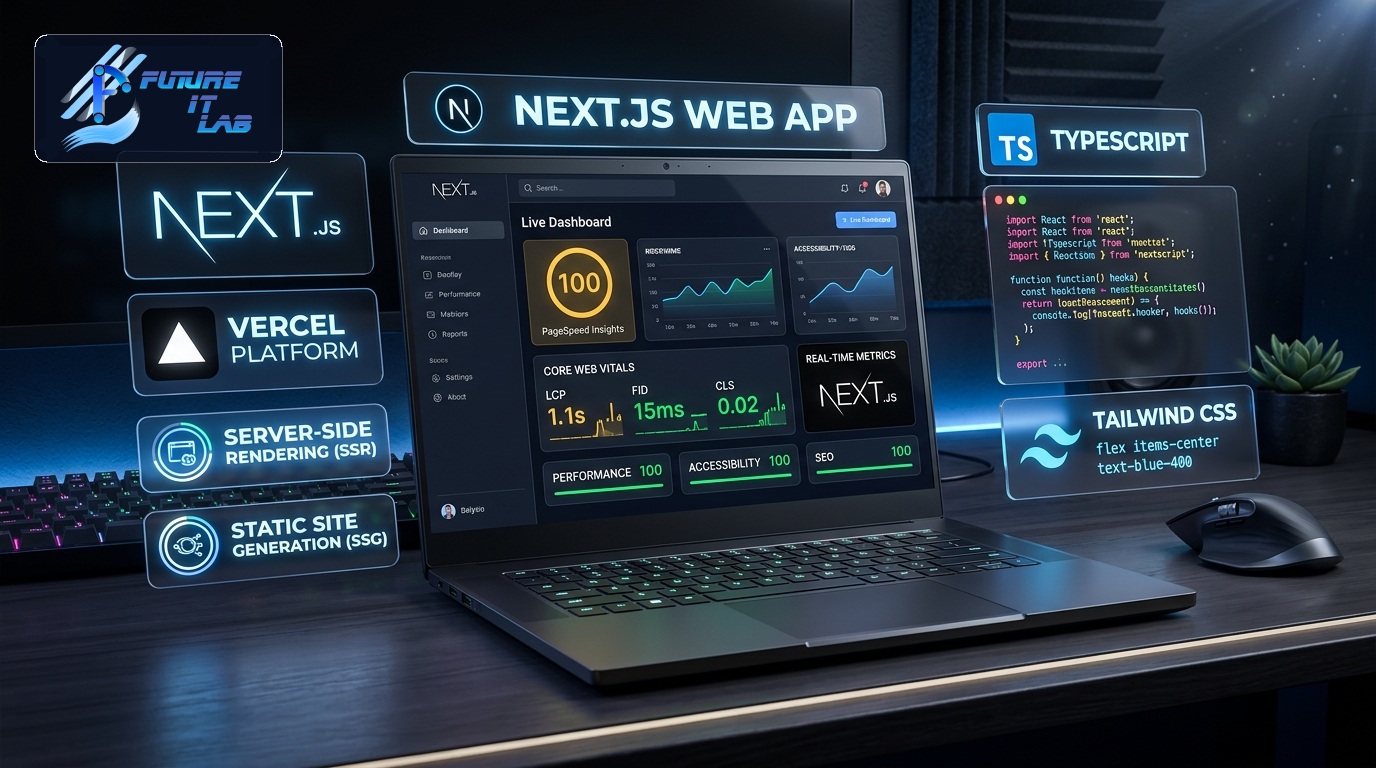
In web engineering, milliseconds matter. Decades of empirical studies by Google, Amazon, and Akamai confirm a direct correlation between page load times and business metrics: every additional 100ms of latency decreases conversion rates by 7%, while a 1-second delay spikes bounce rates by over 30%. Furthermore, Google's search algorithms treat Core Web Vitals (CWV) as fundamental ranking signals.
At Future IT Lab, speed is not an optimization pass applied at the end of a project; it is an architectural discipline woven into every database query, CSS class, and server configuration. In this technical deep dive, we outline the exact methodologies required to achieve sub-second load times and 99+ Google PageSpeed Insights scores.
Google evaluates real-world user experience across three core metrics that measure loading speed, visual stability, and interaction responsiveness.
| Core Metric | What It Measures | Good Threshold | Primary Causes of Poor Scores |
|---|---|---|---|
| Largest Contentful Paint (LCP) | Perceived loading speed of the primary hero content or image. | ≤ 2.5 seconds | Slow server response (TTFB), render-blocking CSS/JS, unoptimized hero images. |
| Interaction to Next Paint (INP) | Overall responsiveness to user clicks, taps, and key presses. | ≤ 200 ms | Heavy main-thread JavaScript execution, long tasks, unoptimized event listeners. |
| Cumulative Layout Shift (CLS) | Visual stability and unexpected layout shifts during load. | ≤ 0.1 | Images without explicit width/height dimensions, dynamically injected ads, web fonts. |
Frontend optimizations cannot compensate for a sluggish backend. Achieving a low Time to First Byte (TTFB < 200ms) requires systematic server tuning:
EXPLAIN ANALYZE.Images and visual media typically account for over 70% of total web page payload. Modern asset delivery requires next-generation formats and responsive source sets:
<picture> Tags with srcset: Serve appropriately scaled image dimensions tailored to the user's viewport resolution rather than sending 4K images to mobile screens.loading="lazy" to below-the-fold images while marking the critical hero image with fetchpriority="high" and loading="eager" to accelerate LCP.width and height attributes (or CSS aspect-ratio) on image and video elements to reserve visual space and prevent CLS layout jumps.Bulky JavaScript bundles paralyze the browser's main execution thread, directly harming INP scores and user responsiveness.
defer or async attributes to prevent blocking HTML DOM parsing.font-display: swap in CSS font declarations and preconnecting to critical font origin domains (<link rel="preconnect" href="https://fonts.googleapis.com">).Achieving top-tier web performance is a powerful competitive differentiator that directly drives higher search rankings, lower bounce rates, and increased revenue. At Future IT Lab, every web application we build is engineered for blistering speed, flawless stability, and optimal Core Web Vitals compliance.
Want a comprehensive performance audit or looking to build a high-speed custom web application? Explore our web engineering services or contact our optimization specialists today.