
Get A Quote
Call Us Now


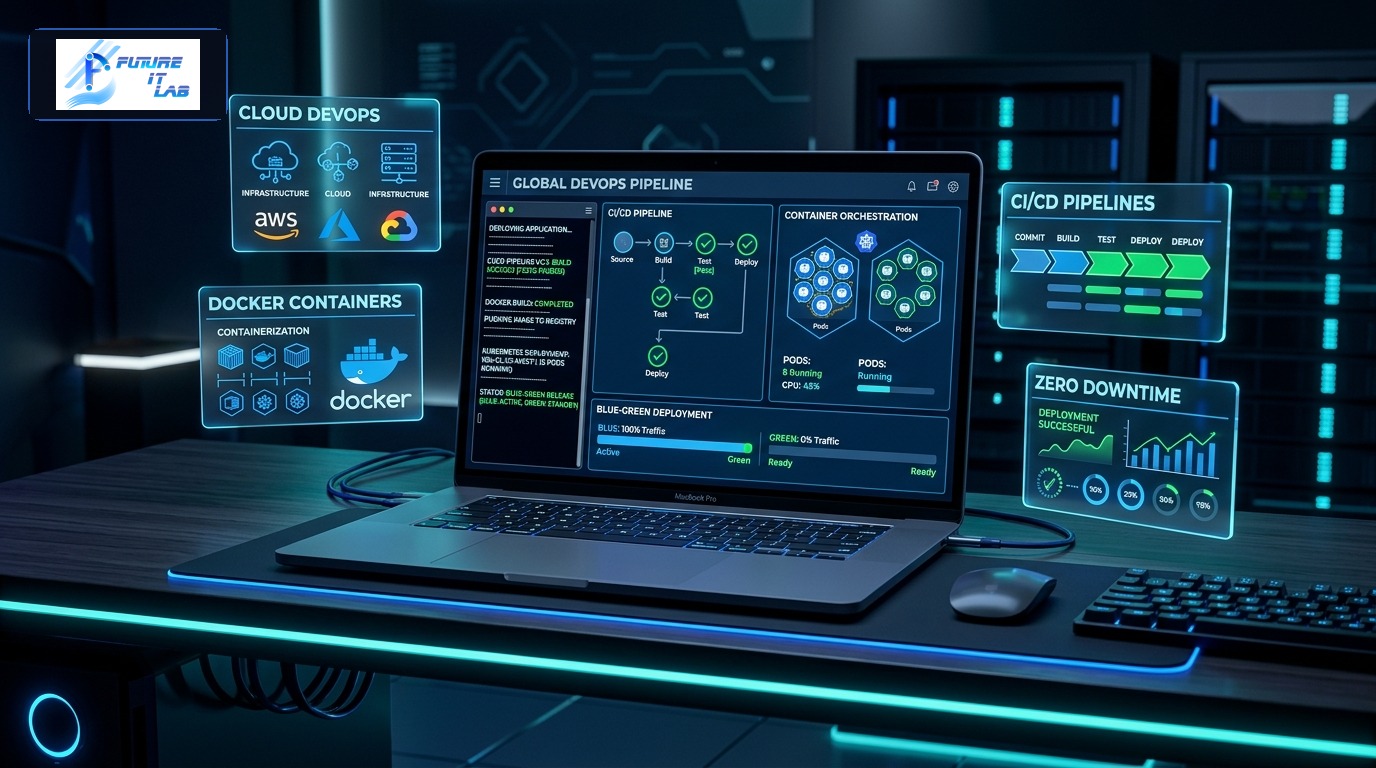
Writing clean, efficient application code represents only half the equation in modern software engineering. How your application is packaged, tested, deployed, monitored, and scaled in production environments dictates your platform uptime, security resilience, and operating expenses. The legacy era of manually dragging and dropping files via FTP to unmanaged shared hosting accounts is entirely obsolete.
In 2026, enterprise web platforms depend on Containerization (Docker), Automated Continuous Integration and Continuous Deployment (CI/CD), and Cloud Infrastructure as Code to achieve zero-downtime deployments, instant disaster recovery, and elastic auto-scaling under peak traffic loads.
At Future IT Lab, our DevOps and cloud engineering team builds automated, high-availability cloud infrastructure for mission-critical web applications. In this comprehensive 2,000+ word master guide, we deconstruct the core principles of modern cloud infrastructure, Docker containerization, and enterprise CI/CD pipeline automation.
The notorious developer excuse—*"It works on my machine!"*—stems from subtle differences between local developer laptops and production servers (e.g., differing PHP minor versions, missing system extensions, or unaligned Nginx configurations). Docker permanently eliminates this problem by encapsulating the application code, runtime binaries, system libraries, and web server into an immutable, portable container image.
A Continuous Integration and Continuous Deployment (CI/CD) pipeline automates quality assurance, security scanning, and deployment execution whenever an engineer commits code to a Git repository.
| Pipeline Stage | Automated Actions | Tools & Technologies | Failure Condition |
|---|---|---|---|
| 1. Code Quality & Linting | Automated syntax checking, PSR-12 code formatting, and static analysis. | PHP-CS-Fixer, PHPStan (Level 8), ESLint. | Pipeline halts if formatting rules or type errors are detected. |
| 2. Automated Testing | Executes Unit, Feature, and Integration test suites against live test databases. | PHPUnit, Pest PHP, Dockerized PostgreSQL. | Pipeline halts if any test assertion fails or coverage drops. |
| 3. Security Auditing | Scans third-party dependencies for known CVE security vulnerabilities. | Composer Audit, NPM Audit, Snyk Security. | Pipeline halts if high/critical CVE vulnerabilities are identified. |
| 4. Container Image Build | Compiles multi-stage production Docker images and pushes to secure registry. | Docker Buildx, GitHub Packages, AWS ECR. | Pipeline halts if image build or layer caching fails. |
| 5. Zero-Downtime Deployment | Executes Blue-Green or Rolling container deployments with health checks. | GitHub Actions, Docker Swarm, Kubernetes, Kamal. | Automated rollback if health check endpoints fail. |
Deploying application updates during peak hours should never cause dropped user requests or "502 Bad Gateway" error screens. Blue-Green Deployment is the gold standard for zero-downtime releases:
Ensuring enterprise-grade infrastructure security requires multiple defense layers:
A modern DevOps and cloud infrastructure strategy transforms web deployments from high-risk manual events into reliable, automated background operations. At Future IT Lab, our cloud engineering team builds high-availability, scalable server architectures designed to sustain enterprise traffic with 99.99% uptime.
Looking to containerize your applications or automate your deployment pipelines? Explore our DevOps & Cloud Engineering Services or contact our cloud architects today.